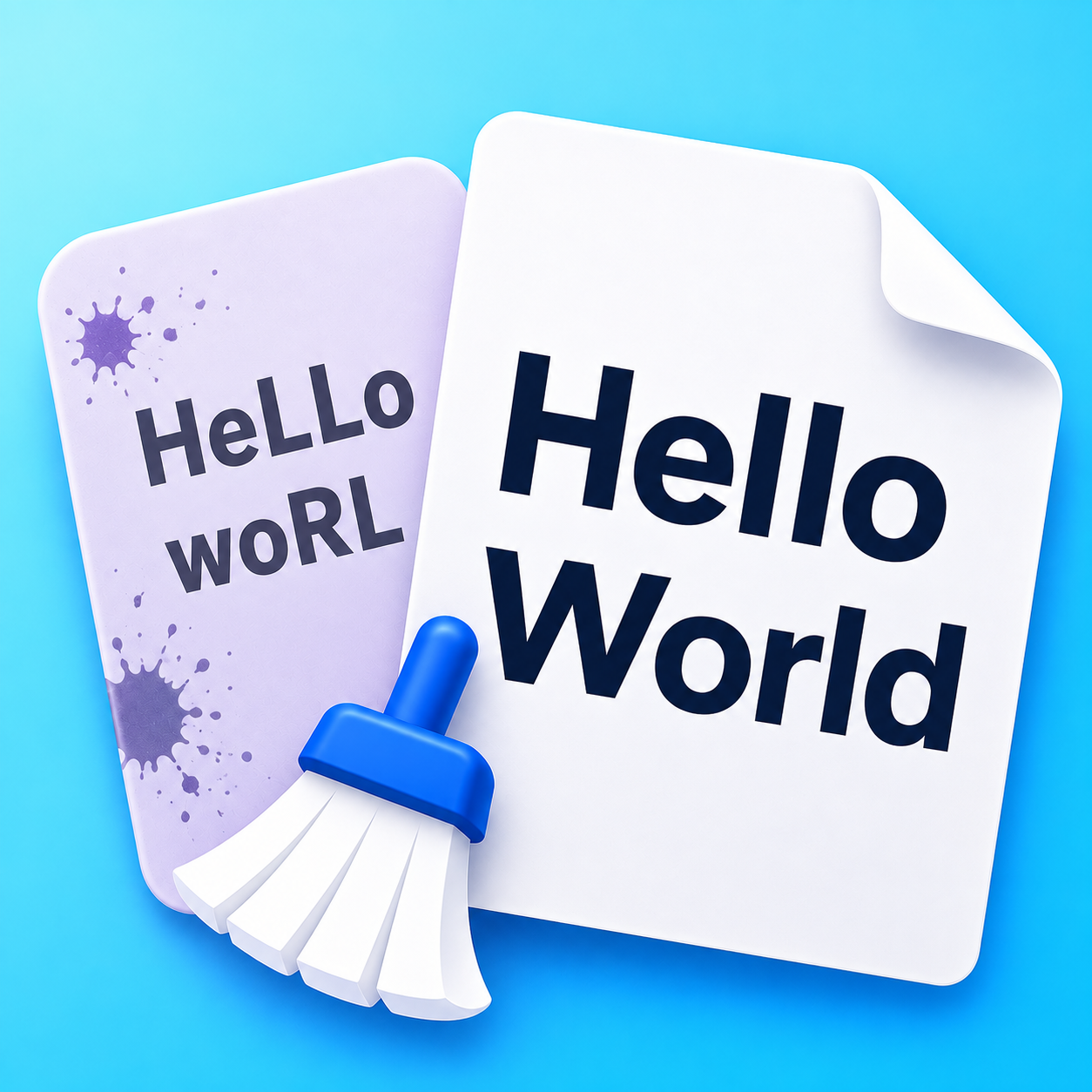
The Boundary: Character Normalization vs. Sentence Rewriting
Large language models (like ChatGPT, Claude, and Gemini) generate text that is grammatically fluent but typographically noisy when pasted into publishing systems, email composers, content management systems (CMSs), or code editors.
When writers search for ways to clean AI-generated text, they frequently encounter two completely different categories of software:
| Category | What It Modifies | The Honest Claim |
|---|---|---|
| Character Normalizers (Text Cleaner) | Individual Unicode codepoints (em dashes, smart quotes, non-breaking spaces, zero-width marks, markdown tags). | Formatting hygiene: Stops text from breaking databases, creating broken line wraps, or displaying unwanted asterisks in CMSs. |
| "AI Humanizers" & Spinners | Vocabulary, sentence structure, and syntax through automated synonym replacement. | False / Unreliable: Claims to make text "100% undetectable", often producing unnatural, garbled phrasing and plagiarism risks. |
What Text Cleaning DOES Fix
When you paste AI text into Text Cleaner, the tool performs deterministic, character-preserving repairs:
- Removes AI Em Dashes: Converts excessive em dashes (
—) and en dashes (–) into standard hyphens (-). - Straightens Smart Quotes: Converts typographic curly quotes (
“,”,‘,’) into straight ASCII quotes (",'), preventing broken strings in code and CSVs. - Strips Invisible Watermarks: Deletes zero-width spaces (
\u200B), byte-order marks (\uFEFF), and soft hyphens (\u00AD). - Normalizes Non-Breaking Spaces: Replaces exotic Unicode spaces (
\u00A0,\u202F) with standard spaces (\u0020), preventing unwanted line wraps and YAML indentation errors. - Cleans Markdown Leftovers: Converts leftover
**bold**asterisks,### Headings, and backticks into clean, readable plain text.
What Text Cleaning DOES NOT Do
To be completely transparent about our product:
- It does not rephrase your writing: Text Cleaner does not substitute words, rewrite paragraphs, or change the tone of your prose.
- It does not guarantee bypassing AI detectors: AI classifiers evaluate vocabulary distribution, perplexity, and burstiness across sentences—not whether you use an em dash or a hyphen.
- It does not replace human editing: The best way to make AI-assisted writing truly yours is to fact-check the claims, restructure the narrative, and inject your own voice.
Auditable Damage Reporting: The Findings Bar
Rather than silently altering text without your knowledge, Text Cleaner features a real-time Findings audit. When you clean text, the editor explicitly reports every repaired character (for example, 2 em dashes, 4 curly quotes, 1 invisible character) so you know exactly what was fixed.
Try cleaning your text using the interactive editor above, or explore our Guide to What Pasted Text Carries and Why Text Tools Break Text.