The Illusion of Plain Text
When you highlight a paragraph in Microsoft Word, a Google Doc, an Apple Pages document, a PDF, or a web browser and press Cmd+C or Ctrl+C, you assume you are copying a simple string of letters and numbers.
In reality, rich text editors and PDF rendering engines encode an invisible payload of specialized Unicode characters, typography conventions, and layout artifacts into your clipboard. When pasted into systems expecting clean ASCII—such as web CMSs, code editors, command terminals, database queries, and CSV spreadsheets—this hidden baggage causes unexpected bugs, layout shifts, and syntax errors.
The 6 Hidden Formatting Artifacts in Your Clipboard
| Artifact | Unicode Codepoint | Where It Comes From | Downstream Problem |
|---|---|---|---|
| Smart / Curly Quotes | “ ” ‘ ’ (U+201C–U+2019) |
Word processors, auto-formatting | Breaks code compilers, SQL strings, JSON, and CSV parsers. |
| Em & En Dashes | — – (U+2014, U+2013) |
AI outputs (ChatGPT), style autocorrect | Incompatible with legacy ASCII databases, SMS encoding, and URL slugs. |
| Zero-Width Characters | \u200B, \uFEFF, \u200C |
Rich web copy, tracking watermarks | Breaks string equality ("user" !== "user\u200B") and ATS resume parsers. |
| Non-Breaking Spaces | \u00A0, \u202F |
HTML entities ( ), Word wraps |
Breaks YAML indentation, splits spreadsheet formulas, causes layout overflow. |
| Hard Line Wraps | \r\n, \n inserted mid-sentence |
PDF column rendering, terminal output | Creates ragged, disjointed paragraphs that fail to reflow on mobile. |
| Trailing Whitespace | Spaces/tabs at end of lines | Copying blocks of code or tables | Pollutes Git commit diffs, breaks database unique index matching. |
Why Standard "Paste as Plain Text" Isn't Enough
Most operating systems offer a "Paste without Formatting" shortcut (Cmd+Shift+Option+V on macOS, Ctrl+Shift+V on Windows). While this shortcut strips visual HTML and CSS styling (like font size, bold weight, and color), it does not change the underlying Unicode characters.
If the source text contained a curly apostrophe (’), an em dash (—), or a zero-width space (\u200B), pasting without formatting preserves those characters identically. Only a dedicated text cleaner that performs character-level normalization can repair them.
The Clean Pasted Text Solution
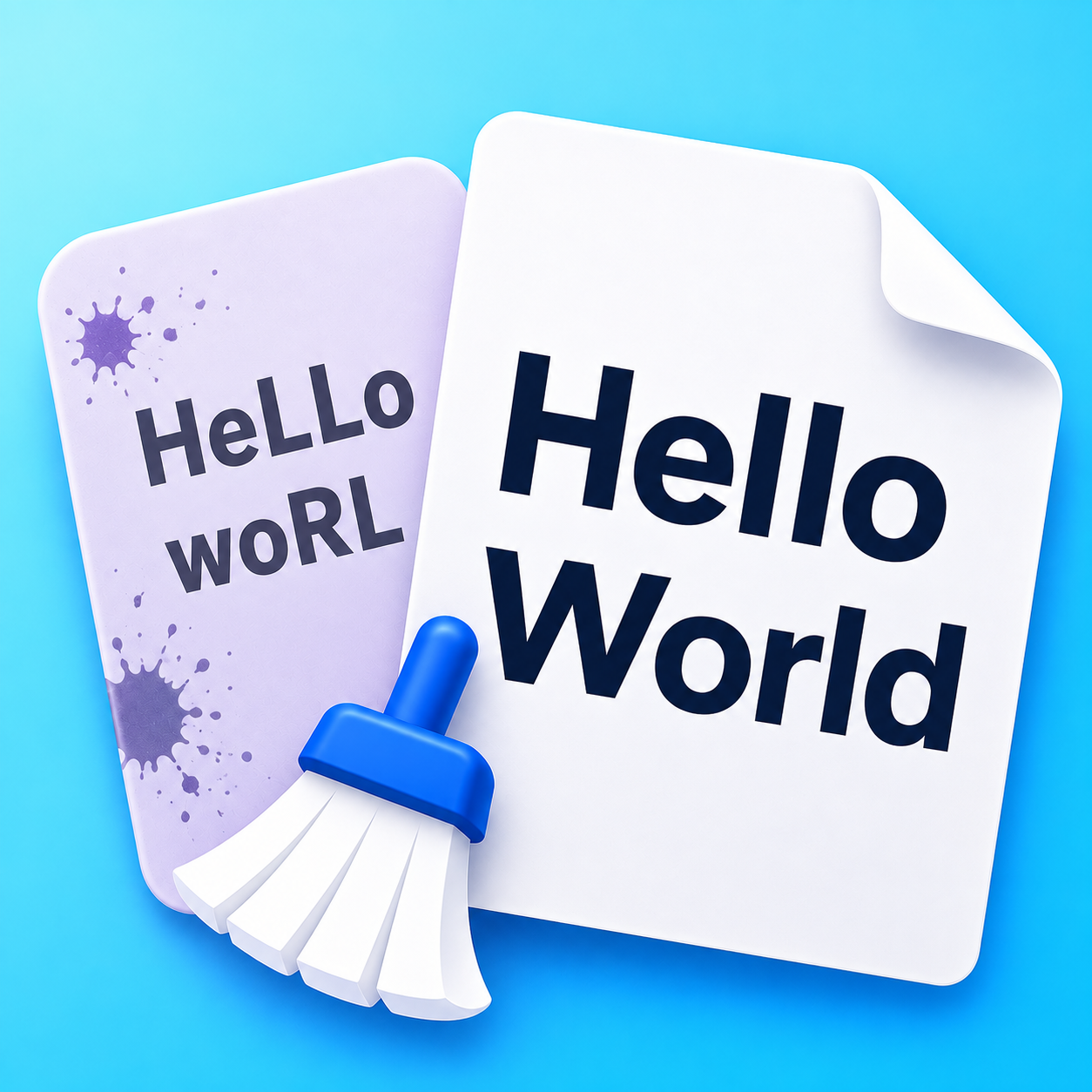
Text Cleaner's signature Clean pasted text engine processes text through a comprehensive multi-pass repair pipeline:
- Invisible Character Removal: Strips zero-width spaces, byte order marks, and word joiners.
- Smart Punctuation Normalization: Converts em dashes to hyphens and straightens curly quotes.
- Whitespace Hygiene: Collapses multiple spaces and strips trailing end-of-line whitespace.
- Structure Preservation: Protects intentional indentation and paragraph breaks, collapsing only excessive 3+ blank line runs.
- Locale-Aware Safety: Respects non-English typography (such as German opening quotes
„and French guillemet spacing« »).
Try cleaning your pasted text in the live editor above, or read our breakdown of Why Text Tools Quietly Break Your Text to see how we protect decimals, URLs, and abbreviations.