The Moment It Happened
You finalized your weekly email newsletter in your favorite text editor, copied the copy into your email service provider (Mailchimp, ConvertKit, Beehiiv), and scheduled the blast.
Ten minutes after sending to twelve thousand subscribers, replies started landing in your inbox: "Hey, looks like the formatting broke in paragraph two." You opened the email on your phone and there it was: literal **three crucial market lessons** in your opening paragraph.
The Hidden Root Cause: Mixed Formatting Engines
Email composers often support partial rich text. When text containing Markdown emphasis tags (**word** or _word_) is copied into an email editor, unclosed tags or single-line pastes fail to trigger the provider's markdown compiler—leaving ugly asterisks embedded in your text.
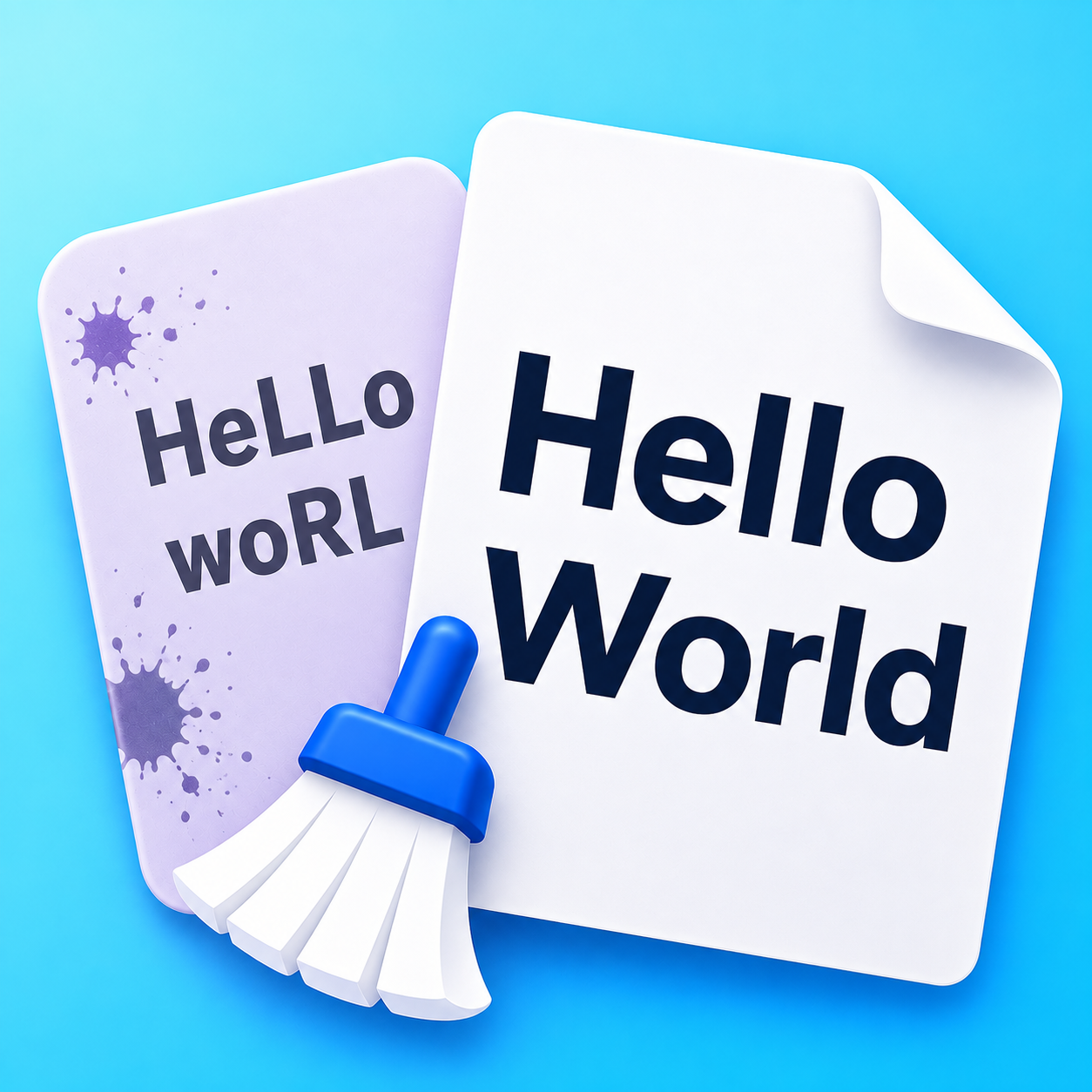
How Text Cleaner Prevents Newsletter Mishaps
Running your email draft through Text Cleaner's Strip Markdown or Clean pasted text before pasting ensures that all syntax asterisks, backticks, and formatting artifacts are stripped away, giving you clean, uncorrupted plain text ready for your newsletter template.